Quick Setup
Start testing in seconds with a clear interface and guided steps.
Denerim Test helps you check keyboards, mice, headphones and other peripherals before buying second-hand or when setting up a device for the first time.

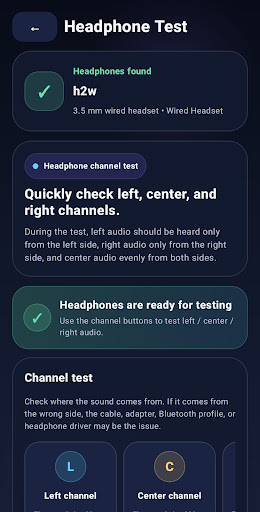

Start testing in seconds with a clear interface and guided steps.
Use test modules that respond directly to connected hardware.
Run essential checks before you pay and avoid unwelcome surprises.
Denerim Test uses short, clear steps to help you check common peripherals.
Check individual keys, layout and basic operation.
Verify left, right and center audio channels.
Check left, right, middle, scroll and side-button input.
Inspect analog sticks, triggers and potential drift.
Module selection, device detection and testing follow a simple flow.
The flow has three simple steps: connect, choose a module and check the result.
Connect a keyboard, mouse or headphones through OTG, Bluetooth or a wireless receiver.
Select the module you need and follow the on-screen guidance.
See input immediately and repeat the test when you need to confirm a result.
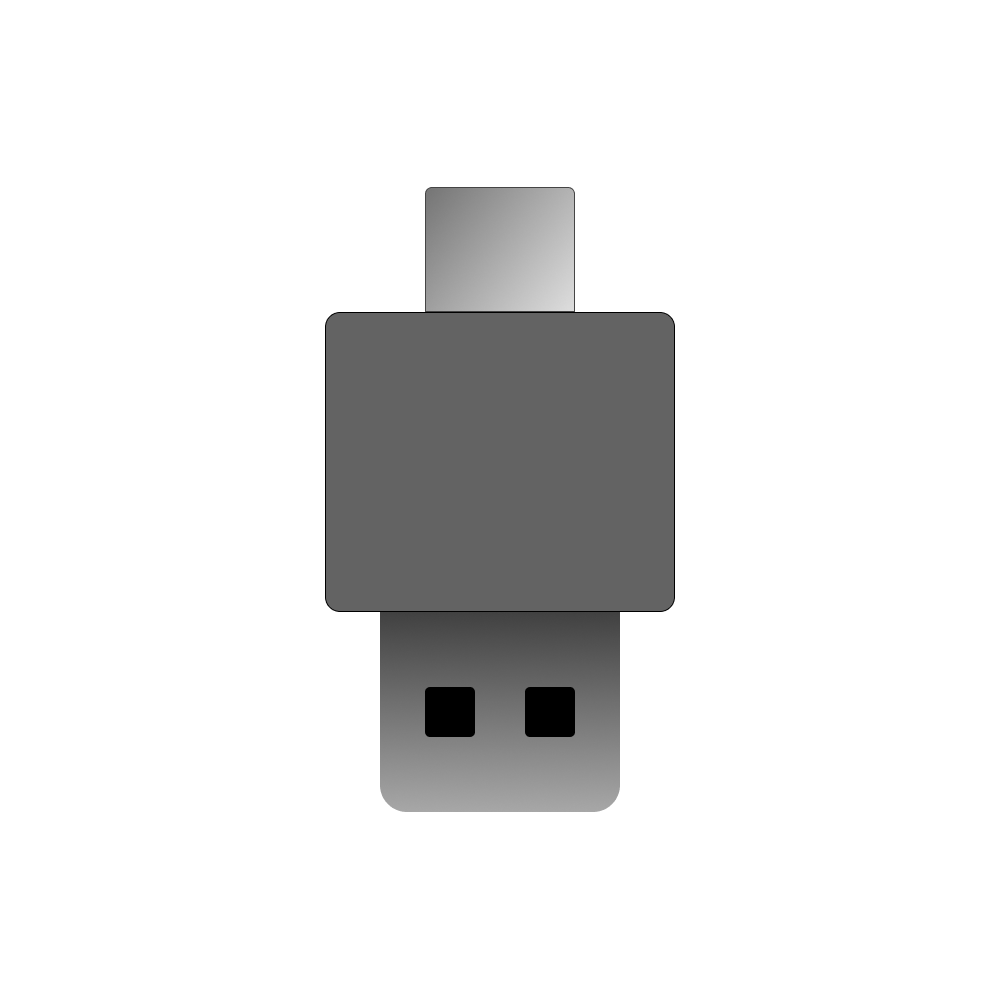
Some Android phones require an OTG adapter for wired keyboards and mice. Connection steps for Bluetooth or 2.4 GHz receivers vary by model.
Common questions before using Denerim Test.
It lets you quickly check peripherals such as keyboards, mice and headphones from your phone.
Some phones need OTG for wired keyboards and mice. Bluetooth devices do not use the same connection method.
Yes. It is a practical way to run essential checks before accepting a used device.

Keep Denerim's quick hardware checks with you on Android.